
2-Host USB Boundless KM Switch, USB Switch with USB HID, 5Gbps USB 3.0, Audio, and Hotkey Switching, Mouse Roaming function
USW-KM302
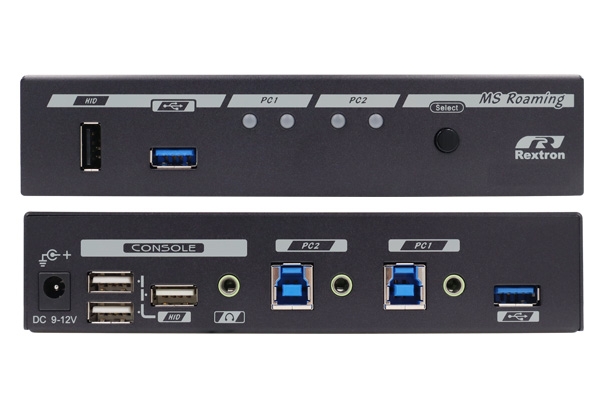
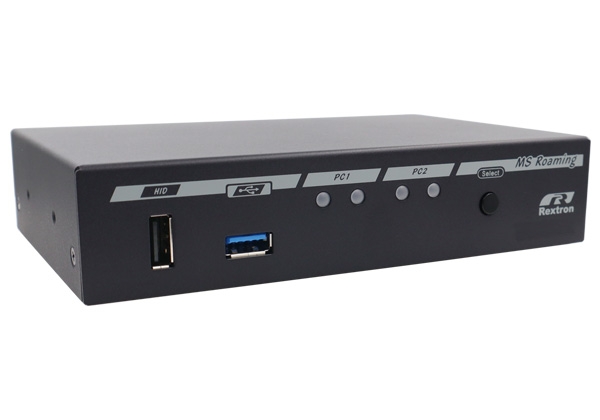
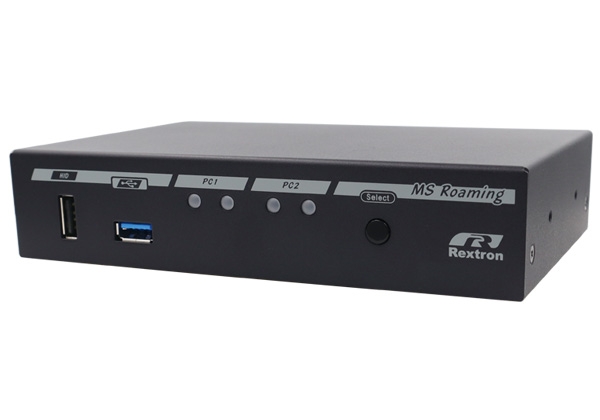
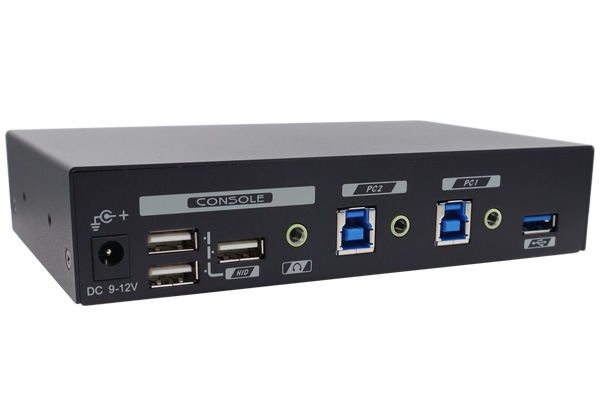
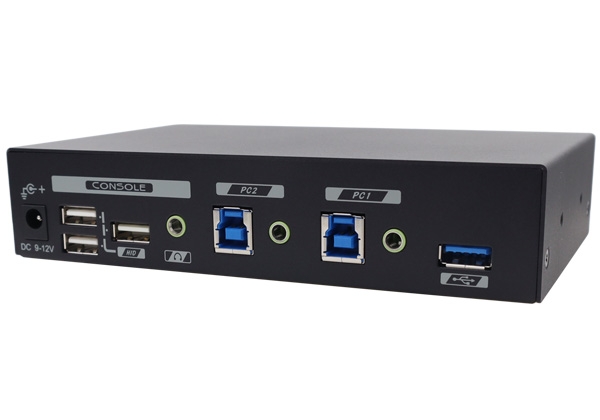
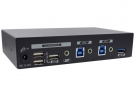
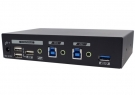
2-Host USB Boundless KM Switch, USB Switch with USB HID, 5Gbps USB 3.0, Audio, and Hotkey Switching, Mouse Roaming function, USW-KM302
● Can the KM Switch (USB Switch) be used on different operating systems?
● Can the KM Switch (USB Switch) be used on different operating systems?
● Is the KM Switch a hardware-based product that requires no software installation?
● Does the KM Switch support boundless mouse roaming and seamless switching?
● Does the KM Switch support mouse DPI (speed) settings?
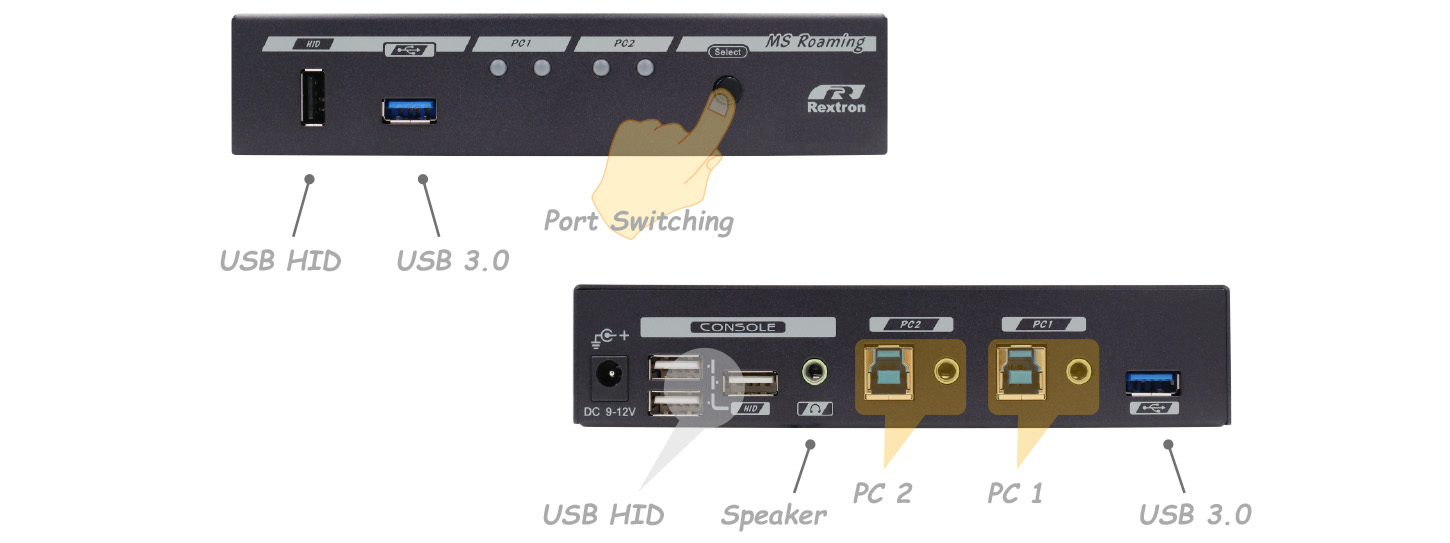
The USW-KM302 is a 2-host USB boundless KM switch that allows users to share a single keyboard, mouse, audio, and USB peripherals between two USB computers. Access and control can be selected for your desired PC with the push of a button or by issuing a hotkey command. The real-time USB HID ports give you an amazing switching experience, and the USB 3.0 ports provide excellent I/O speed.
The Rextron USB switch unique tracking system supports independent or simultaneous operation of USB devices. For example, the USB tracking function allows KM switch users to determine whether switching USB devices (USB flash drives, printers, and scanners) follows switching of the PC's connection port. The KM switch features dedicated USB 3.0 ports on both the front and back, facilitating easy plugging and unplugging of USB peripherals for both long-term and temporary connections. This feature is particularly useful if you need to transfer files from one computer while operating another.
The USW-KM302 is a 2-host USB boundless KM switch that allows users to share a single keyboard, mouse, audio, and USB peripherals between two USB computers. Access and control can be selected for your desired PC with the push of a button or by issuing a hotkey command. The real-time USB HID ports give you an amazing switching experience, and the USB 3.0 ports provide excellent I/O speed.
The Rextron USB switch unique tracking system supports independent or simultaneous operation of USB devices. For example, the USB tracking function allows KM switch users to determine whether switching USB devices (USB flash drives, printers, and scanners) follows switching of the PC's connection port. The KM switch features dedicated USB 3.0 ports on both the front and back, facilitating easy plugging and unplugging of USB peripherals for both long-term and temporary connections. This feature is particularly useful if you need to transfer files from one computer while operating another.
Eliminate Hotkey Conflicts
To prevent hotkey conflicts, the USW-KM302 has three sets of replaceable hotkey prefix codes: Ctrl, Scroll Lock, and Num Lock, to avoid hotkey conflicts caused by different Windows operating systems.
Borderless Mouse Roaming and Flexible Preset Screen Layouts
Borderless Mouse Roaming and Flexible Preset Screen Layouts
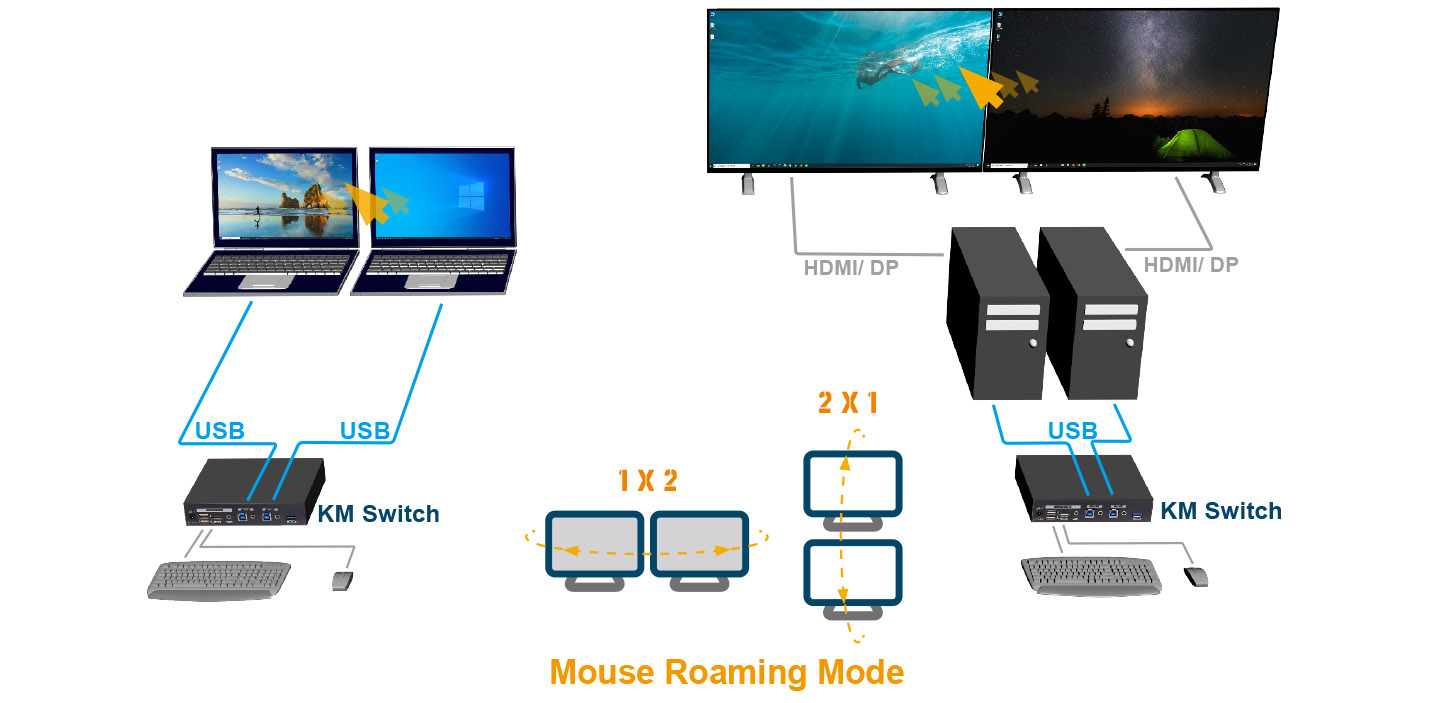
The Boundless KM Switch USW-KM302 allows users to switch computers by moving the mouse cursor across the screen boundaries, providing a more efficient and modern way to switch devices. Users can easily switch computer ports simply by smoothly moving the mouse cursor across the monitor boundaries, without pressing any shortcut keys or buttons, and can switch the keyboard, mouse, audio, and USB devices to another computer.
Multi-Monitor Layouts: 2 preset screen layouts are available for 1 x 2 and 2 x 1 Video Wall setup.
Independent Audio Switching
Independent Audio Switching
The audio function allows KM Switch (USB Switch) users to determine whether switching audio ports is synchronized with switching USB computer ports. This feature is useful if you want to listen to audio signals from a specific audio port while operating another computer.
The Rextron Dual Host USB Boundless KM Switch features a USB hub that supports not only keyboard and mouse operation but also USB 3.0 peripheral sharing. The USB HID port supports absolute mouse coordinates technology, allowing seamless switching between two computers, and adjustable mouse speed calibration adapts to different screen resolutions. This compact dual host boundless KM switch boasts a pure hardware design, is plug-and-play, requires no driver or software installation, and supports major operating systems such as Windows, Mac, and Linux. It effectively reduces redundant cables, creating a tidy working environment.
The Rextron Dual Host USB Boundless KM Switch features a USB hub that supports not only keyboard and mouse operation but also USB 3.0 peripheral sharing. The USB HID port supports absolute mouse coordinates technology, allowing seamless switching between two computers, and adjustable mouse speed calibration adapts to different screen resolutions. This compact dual host boundless KM switch boasts a pure hardware design, is plug-and-play, requires no driver or software installation, and supports major operating systems such as Windows, Mac, and Linux. It effectively reduces redundant cables, creating a tidy working environment.
● 2-Port Mouse Roaming USB KM Switch Controls 2 PCs with KB/MS, and Moves the Cursor across Screens to Switch Control Automatically
Continue Cursor Traction Ensures Accurate Cursor Position when Moving among PCs
Mouse Roaming Layouts Supports 2×1 and 1×2 Provides Vertical and Horizontal Screen Arrangement Options for Dual-PC Setups
Mouse Speed Management Adjusts Cursor Speed Settings to Match Different Monitor Sizes, Resolutions, and User Preferences
● 3 Flexible Switching Control Methods :
- Hotkey Control
- Mouse Roaming
- Front Push Buttons
● Audio / USB Ports Independent Switching Allows Each of Them Either Follow KB/MS-Focus or Stick to a Certain PC
● Front USB 3.2 Empowers Easy Access ( USB 3.2 Models Only )
● Plug-and-Play Requires No Driver / Software Install
● Compact Metal Housing for Desktop and Professional Installations