4K 60Hz 2 Ports Hybrid USB-C/ DP Laptop and Desktop KVM Switch Docking Station, USB Audio, USB Hub, 10Gbps USB Sharing, Power Delivery
CPAAG-PT3112
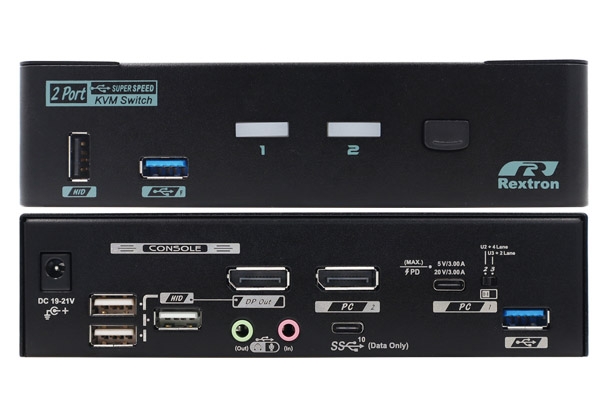
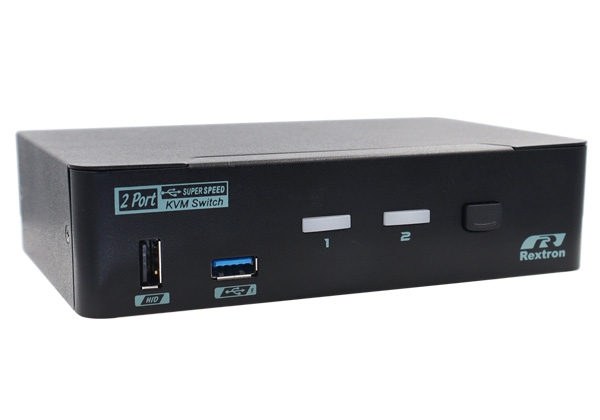
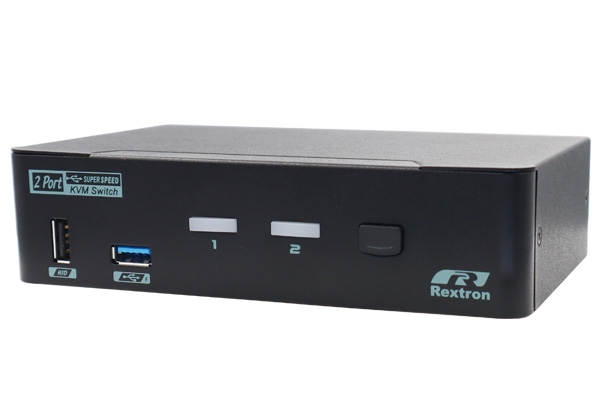
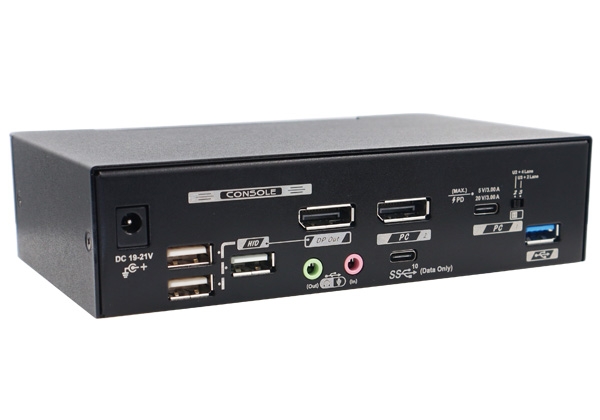
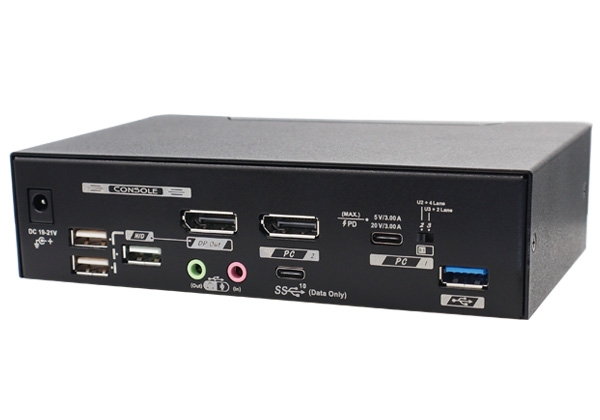
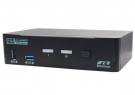
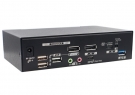
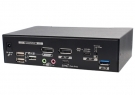
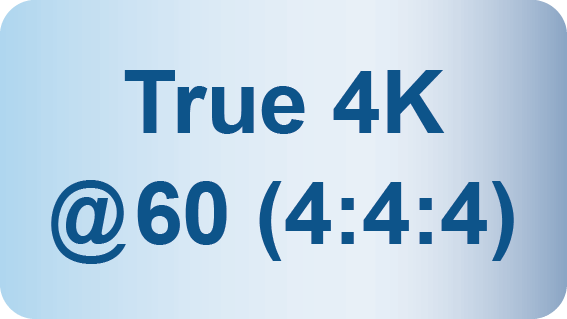
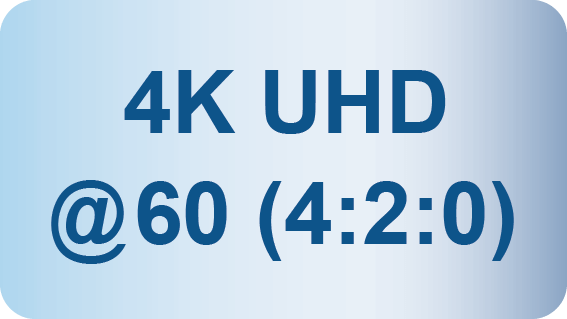
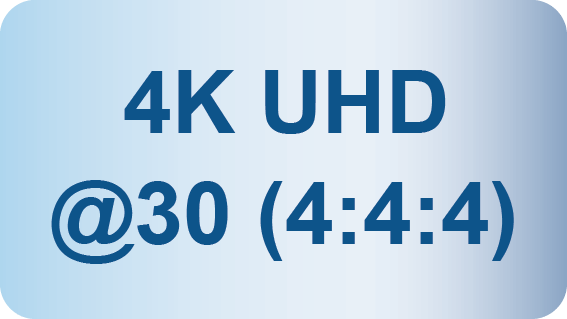
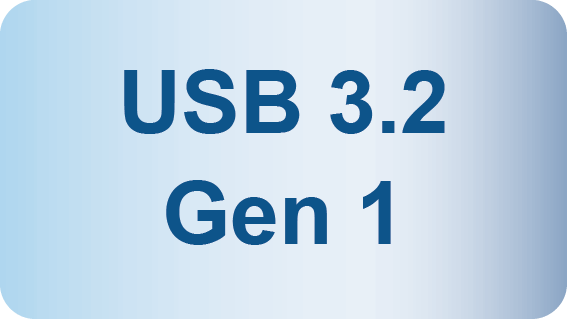


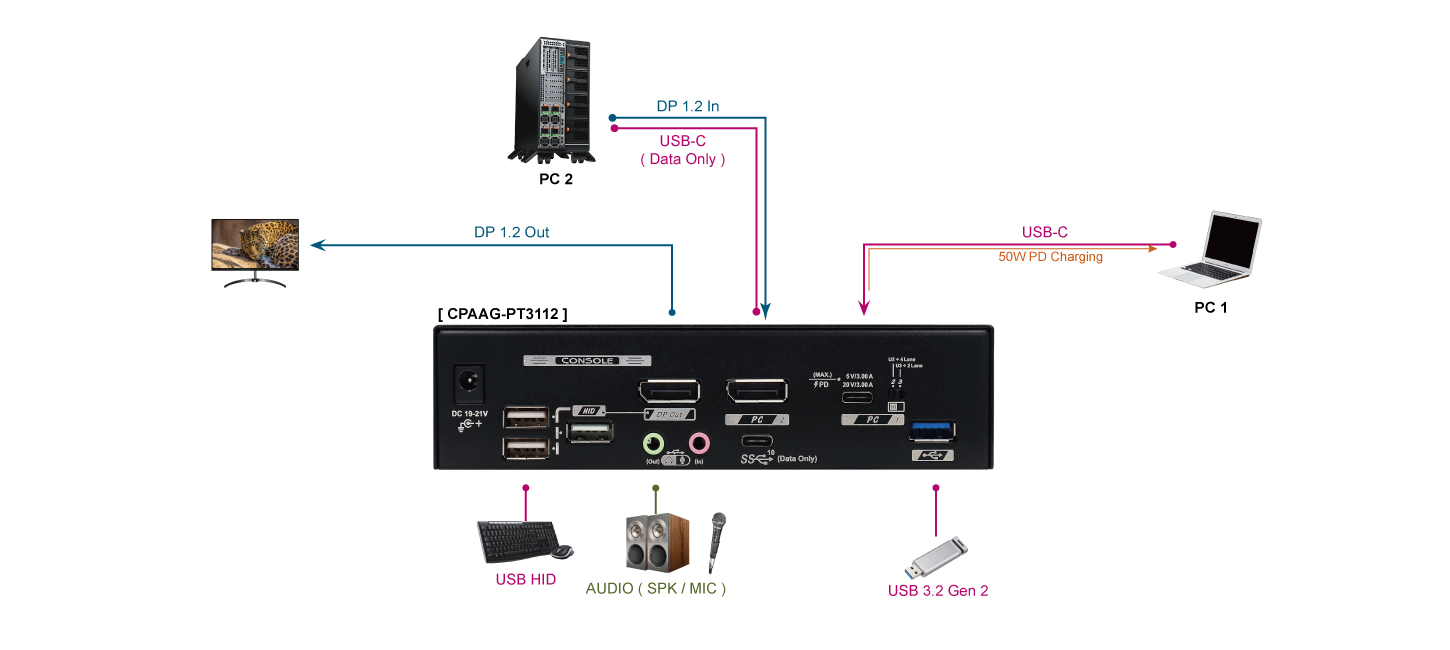
The Rextron new generation KVM Switch CPAAG-PT3112, a laptop and desktop KVM, is designed and developed for desktop or USB-C mobile device access and switching functions. The KVM switch features a built-in USB-C port for your laptop and a DP port for your desktop, saving you from buying a separate dock and providing full KVM switching while also charging the laptop. The CPAAG-PT3112 allows you to connect these two devices so you can use the same keyboard and mouse and switch between the connected computers.
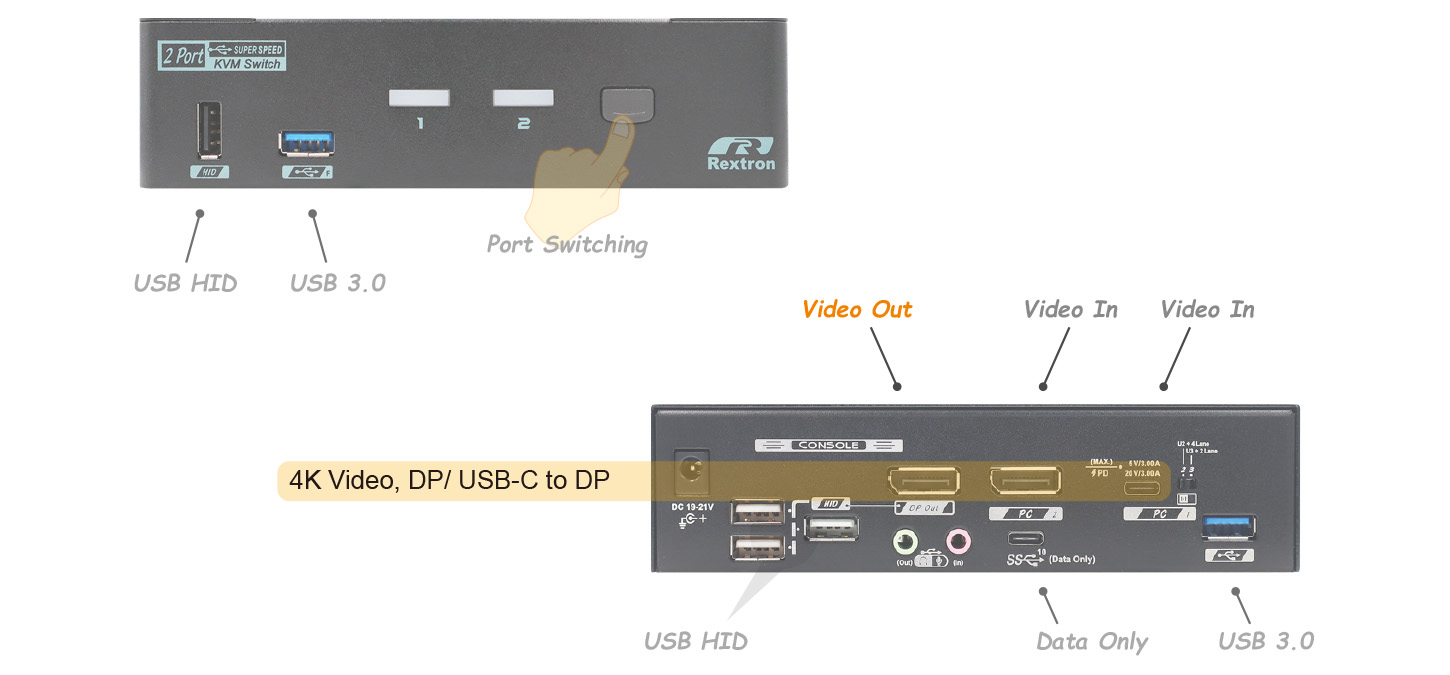
CPAAG-PT3112 allows users to share 1 set of keyboard, mouse, monitor, and audio between laptop and desktop PC devices and features asynchronous switching of keyboard, mouse, monitor (KVM), audio, and USB peripherals. Dedicated USB-A ports are designed on the front and rear sides of the unit, suitable for both long-term and temporary USB peripheral access, and allow users to attach or detach USB devices with ease. The laptop and desktop KVM lets you control and switch among Android, iOS, and Windows mobile devices with ease.
Eliminate Hotkey Conflicts
Auto Scan & Manual Scan
USB Audio Allocation
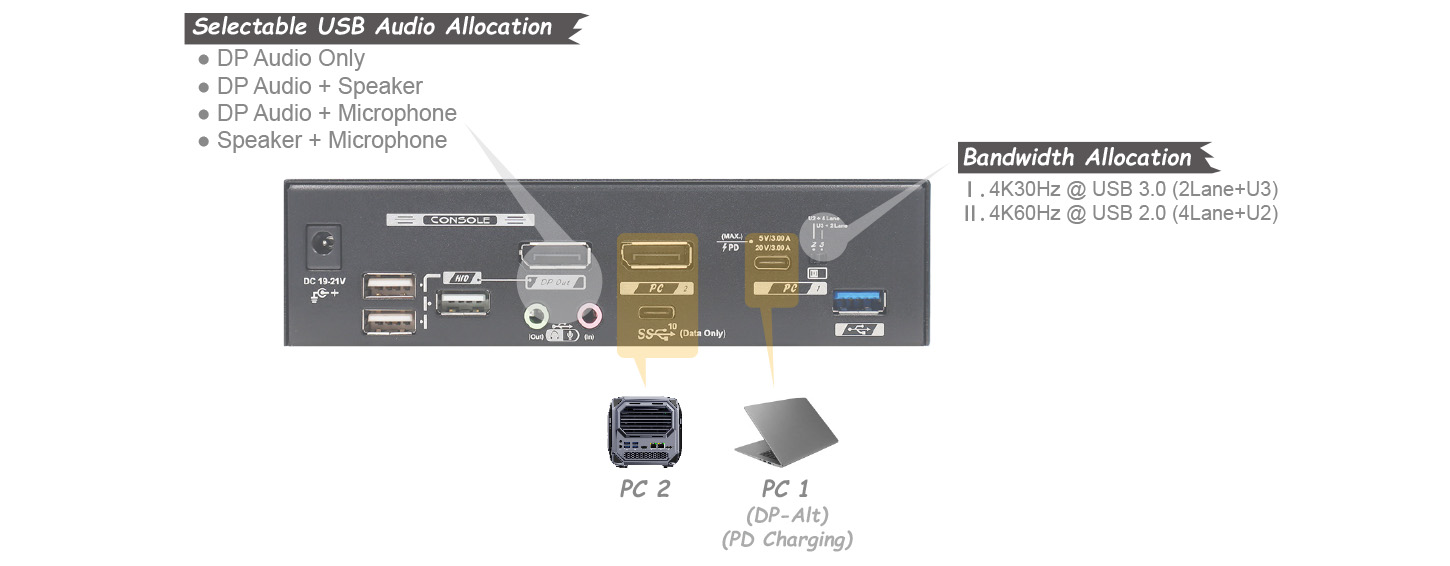
Advanced Design for Video (resolution) or USB (bandwidth)-oriented Mode Switching
- Allows 2 PCs Share 1 Set of KVM Console
- USB-C Video ( Main ) Supports Most Popular Resolutions Up to 4K@60Hz ( 4:4:4 )
- 60W USB-C PD Allows User to Flexibly Deliver USB-C Power and Keeps the Laptop Plugged-in, Also Supports USB 5V Charging Up to 3A
- USB-C Bandwidth Allocation Allows Wider Compatibility Including Two Types :
- 4-Lane + USB 2.0 ( Apply in Most Cases )
- 2-Lane + USB 3.2 Gen 2
- USB Audio Simplifies Physical Connections with Unique USB Audio Allocations :
- 0 : Disable USB Audio
- 1 : USB MIC Only
- 2 : USB SPK & MIC
- 3 : USB SPK Only
- HDCP 2.2 and HDCP 1.4 Compliance
- USB 3.2 Gen 2 Provides Excellent 10 Gbps Speed
- Front USB Allows Easy Access
|
Model Name |
CPAAG-PT3112 |
|
Computer/Server Ports (input) |
USB Type-C x 1 (Video & USB 3.2 Gen 2 ) |
|
Console Ports (output) |
DisplayPort x 1 (Single Video) |
|
Video Resolution (Max.) |
3840x2160@60Hz ( 4:4:4 ), 8-bit ( 4-Lane ) |
|
Push Button |
Port Selection x 1 |
|
Slide Switch |
USB-C Bandwidth x 1 : 4-Lane+U2 / 2-Lane+U3 |
|
HDCP Compliance |
HDCP 2.2 / 1.4 |
|
Control Methods |
Hotkey / Push Button |
|
LED Indicator (Power / Status) |
Computer ready x 2 (Green) |
|
Automatic scan interval |
3, 8, 15, 30 seconds |
|
Exclusive Mode Switch |
4K@60Hz (4:4:4) + USB 2.0 ( Video Oriented ) |
|
20V PD Charging Power |
Port 1 ( PC1 ) MAX up to 60W (20V, 3A), and Minimum 5V, 3A |
|
Power Supply |
DC 19~21V |
|
Operation Environment |
0~40°C, Humidity<80% |
|
Storage Temperature |
-20~60°C |
|
Enclosure |
Metal |
|
H x W x D (mm) |
40 x 160 x 100 |
|
Weight (g) |
640 |